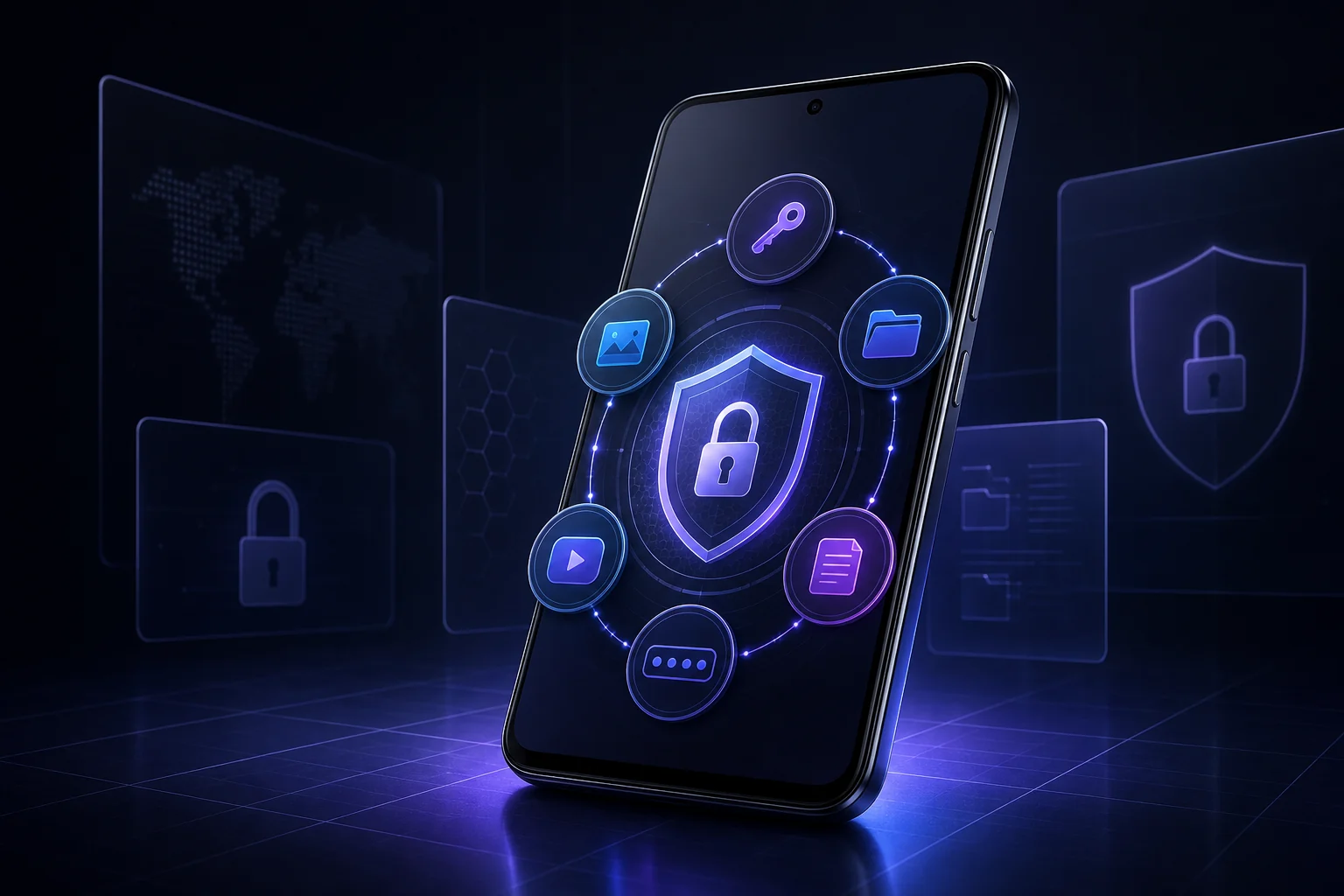
Your phone holds more than contacts and messages. It may contain passwords, personal photos, private videos, identity documents, confidential notes and the two-factor authentication codes that protect your online accounts. Leaving that information scattered across ordinary folders and apps can make privacy harder to manage.
Safe Vault brings those essentials together in one privacy-focused Android app. It combines an encrypted password manager, private photo and video vault, secure file storage, protected notes and a built-in 2FA authenticator. Instead of jumping between separate security tools, you can organize sensitive information inside one encrypted vault protected by your master password.
Ready to create a private space for the information that matters most?
One Secure Vault for Your Digital Life
Safe Vault is designed for people who want practical privacy without turning everyday security into a complicated routine. The app protects vault data with AES-256 encryption and uses password-based key derivation and integrity protection to help keep stored information confidential and detect unauthorized changes.
Your vault is protected by a master password that you control. Biometric unlock can make trusted access faster on supported devices, while configurable auto-lock helps prevent an unlocked vault from remaining exposed when you leave the app.
Safe Vault is local-first. Core vault information is encrypted on your Android device. Network access is used for ads shown to free users and for optional encrypted Google Drive Sync available with Premium.
An Encrypted Password Manager for Android
Reusing passwords or keeping them in unprotected notes can put several accounts at risk at once. Safe Vault gives you a dedicated place to save and organize account credentials inside your encrypted vault.
The built-in password generator can create strong passwords when you open a new account or replace an old password. Security Audit helps you review password health so weak or repeated credentials are easier to identify. Together, these tools make Safe Vault useful as an Android password manager for personal accounts, work logins, shopping services, social media and more.
Keep Private Photos, Videos and Documents Organized
Safe Vault is more than a password app. Its encrypted Files Vault can protect private photos, personal videos, PDFs, office documents and other important files.
Choose between grid and list views depending on how you prefer to browse. Create folders to separate family photos, personal documents, work files or any other category. Multiple files can be selected and moved together, making it easier to organize a growing collection without handling every item individually.
Photo and video thumbnails help you recognize media quickly, while documents use clear file-type presentation. Imports display progress and accurate completion results, so you can see what was secured and whether any item needs attention.
For anyone searching for a private photo vault, video locker or encrypted file vault for Android, Safe Vault keeps media protection and organization in the same experience.
Write Notes You Do Not Want Left Exposed
Some information does not belong in an ordinary notes app. Recovery details, private reminders, account references and confidential text can all be stored as secure notes inside Safe Vault.
Keeping notes beside related passwords and protected files can also reduce clutter. You get one organized destination for sensitive information instead of spreading it across multiple apps and folders.
Built-In 2FA Authenticator With QR Scanning
Two-factor authentication adds another layer of protection to online accounts, but managing codes should still be convenient. Safe Vault includes a TOTP-based 2FA authenticator that supports manual Base32 secret entry and QR code scanning.
When a website displays a compatible authenticator QR code, scan it to add the account more quickly. Your rotating verification codes can then be accessed from the same protected vault as your other security information.
Privacy and Security Features That Work Together
Safe Vault includes several controls designed for real-world situations:
- AES-256 encrypted storage: Protect passwords, notes, files and other vault content.
- Biometric unlock: Access the primary vault with supported fingerprint or face authentication.
- Configurable auto-lock: Lock immediately, after a selected timeout or according to your preferred security level.
- Decoy Vault: Configure a separate PIN that opens a different vault when you do not want to reveal your primary content.
- Intruder Selfie: When enabled and permitted, capture a local photo after repeated failed unlock attempts.
- Breach Log: Review recorded unlock incidents and security events.
- Secure clipboard handling: Reduce the time copied sensitive information remains available.
- Password generator and audit: Create stronger credentials and review password health.
These features make the app suitable for travelers, students, professionals, families, freelancers and anyone who shares a device or simply wants stronger control over personal data.
Optional Encrypted Google Drive Sync
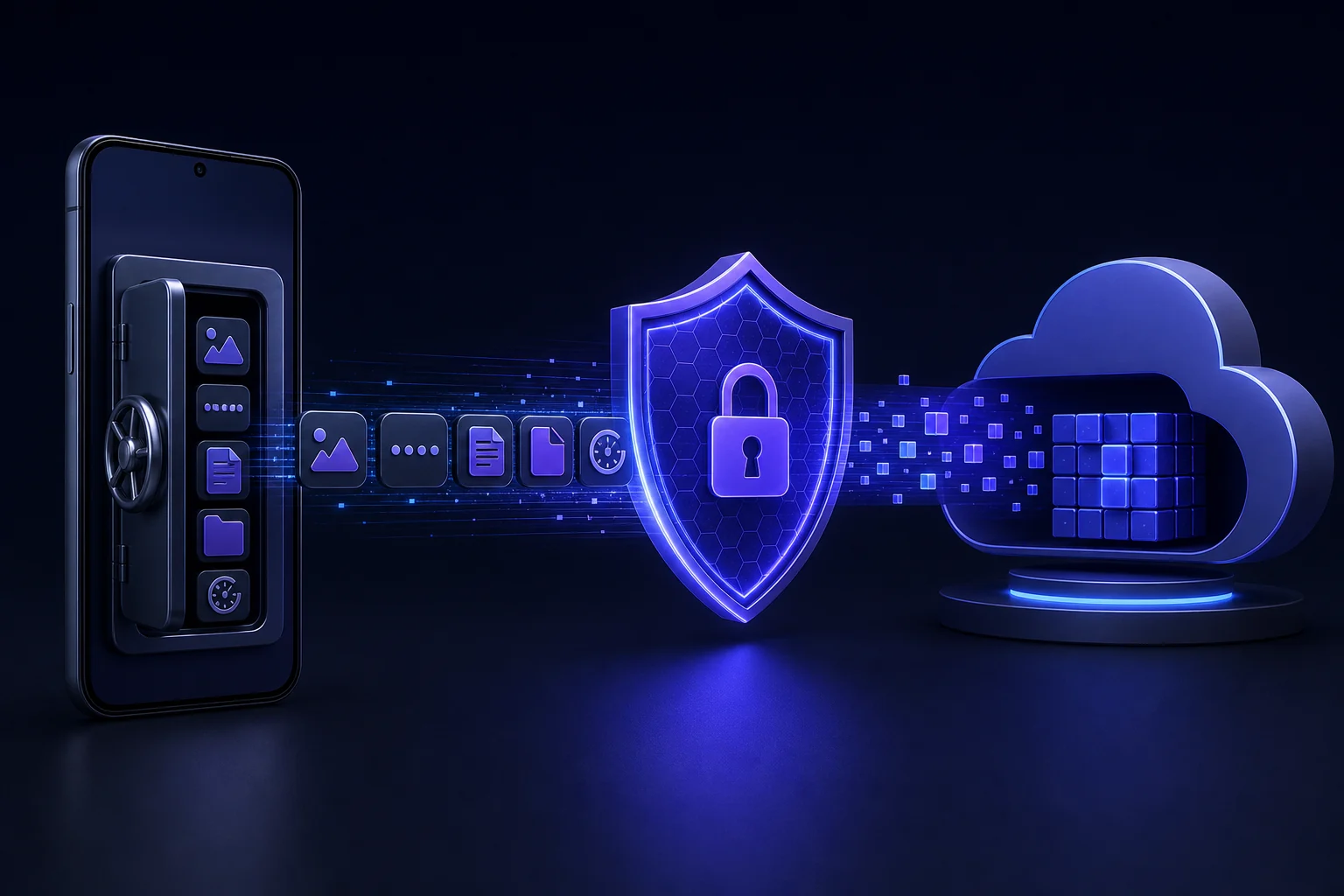
Losing a phone should not have to mean losing your protected information. Safe Vault Premium includes encrypted Google Drive Sync for backup and restore.
The vault backup is encrypted on your device before it is uploaded to the app's private Google Drive data space. This gives you a recovery option while keeping the backup protected by your vault security. Google Drive Sync is optional, and you choose whether to connect your Google account.
Free Access or a One-Time Premium Upgrade
Safe Vault follows a straightforward freemium model. Free users can access the vault by watching an ad for a timed, uninterrupted Vault Pass. Premium is a one-time upgrade rather than a recurring subscription.
Premium removes ads and unlocks encrypted Google Drive Sync. Passwords, notes, files, folders, 2FA codes, security tools and the rest of the core vault experience remain useful without forcing users into a monthly plan.
Get Safe Vault for Android on Google Play and choose the access option that suits you.
Why Choose Safe Vault?
Many privacy apps solve only one problem. A password manager may not protect personal videos. A photo locker may not store secure notes. A separate authenticator adds yet another app to manage.
Safe Vault combines these jobs in one consistent Android experience:
- Store passwords and generate stronger credentials.
- Protect photos, videos, documents and other files.
- Organize private files into folders with grid or list browsing.
- Save encrypted notes.
- Generate TOTP two-factor authentication codes.
- Use biometric access and automatic locking.
- Configure decoy and intrusion-protection features.
- Back up an encrypted vault to Google Drive with Premium.
The result is a practical secure vault app for Android that helps make privacy part of your normal routine.
How to Start Using Safe Vault
- Install Safe Vault from Google Play.
- Create a strong master password that you can remember.
- Add passwords, secure notes, 2FA accounts or private files.
- Create folders to organize photos, videos and documents.
- Configure biometrics and your preferred auto-lock timeout.
- Review optional protections such as Decoy Vault and Intruder Selfie.
- Upgrade once if you want an ad-free experience and encrypted Google Drive Sync.
Frequently Asked Questions
Is Safe Vault free to use?
Yes. Safe Vault offers free access supported by ads. A one-time Premium upgrade removes ads and unlocks encrypted Google Drive Sync.
Can Safe Vault protect photos and videos?
Yes. Photos and videos can be imported into the encrypted Files Vault, viewed as thumbnails and organized into folders. The app also supports documents and other file types.
Does Safe Vault work as an Android password manager?
Yes. You can store login credentials, generate strong passwords and use Security Audit to review password health.
Can I scan a QR code to add a 2FA account?
Yes. The built-in authenticator supports compatible QR code scanning as well as manual Base32 secret entry.
Does Safe Vault upload my vault automatically?
No. Core vault storage is local-first. Encrypted Google Drive Sync is an optional Premium feature that you choose to connect and use.
What happens if I forget my master password?
Your master password protects access to encrypted vault data. Choose a strong password you can remember and keep your recovery planning secure, because encrypted vaults are intentionally designed to resist access without the correct credential.
Take Control of Your Privacy Today
Private information deserves more than an ordinary folder or an unprotected note. Safe Vault gives Android users one organized place for passwords, photos, videos, files, notes and 2FA codes, backed by biometric unlock, auto-lock and optional encrypted cloud sync.
Install Safe Vault on Google Play